

There's an option to display a watermark containing the internal RealEye participant ID (or external ID, if provided in the test URL) all over the tested image or video.
This method can prevent panelists from taking screenshots from tested items as they can be tracked by their ID.
Note: This feature is not publicly open, please contact us (contact@realeye.io) if you'd like to enable it for your account.
You may configure the opacity of the watermark by yourself on the item settings, and run the test preview to see the outcome.
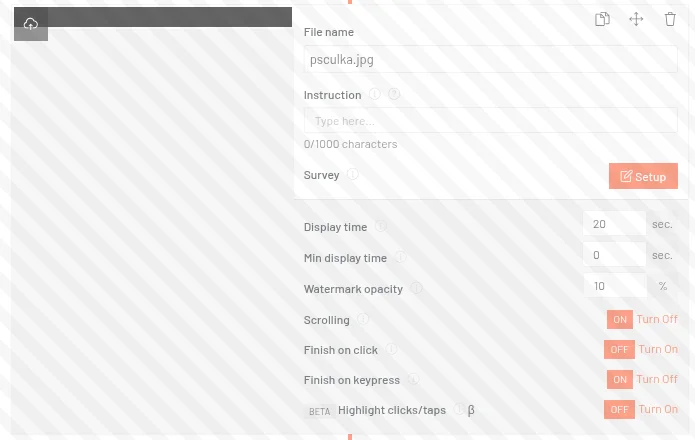
Below is an example of opacity set to 10%.

Was this article helpful?